
Reports, export, and activity log
Reports answers what the organization has run, not how one event is doing. The export gives you every sign-up in one spreadsheet. The activity log shows who did what.
Reports
Open Reports from the menu. Everyone in the organization can read it. It covers every organization sheet: how many sheets there are, total sign-ups, spots offered, and fill rate. Below that are sign-ups by day, fill rate for the busiest sheets, and how many sheets each person runs.
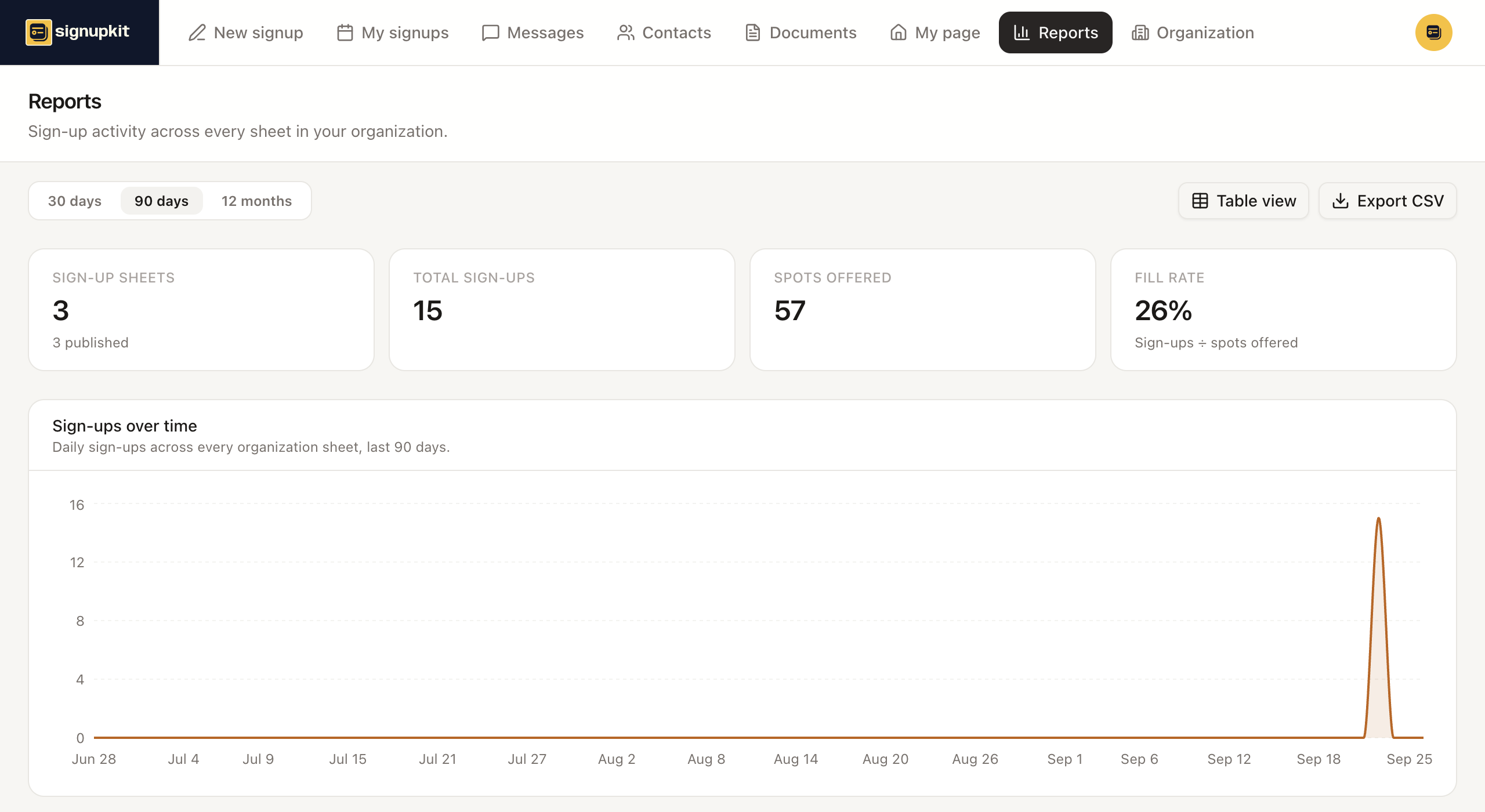
A guest who brings plus-ones counts once for themselves and once for each guest, the same way they take up spots on the sheet.
Export every sign-up
Owners and admins see Export CSV on Reports. It downloads one spreadsheet with every sign-up across every organization sheet: the sheet, its date and owner, the slot, and each person’s name, email, phone, guests, sign-up time, and answers to your questions. Members and viewers do not see the button, because the file holds everyone’s contact details.
For one event’s roster, use the export on that sheet instead. See Manage a signup. That export does not need an organization.
Activity log
Owners and admins find the activity log near the bottom of the Organization page. It keeps a year of history, newest first. Click Load more to go further back.
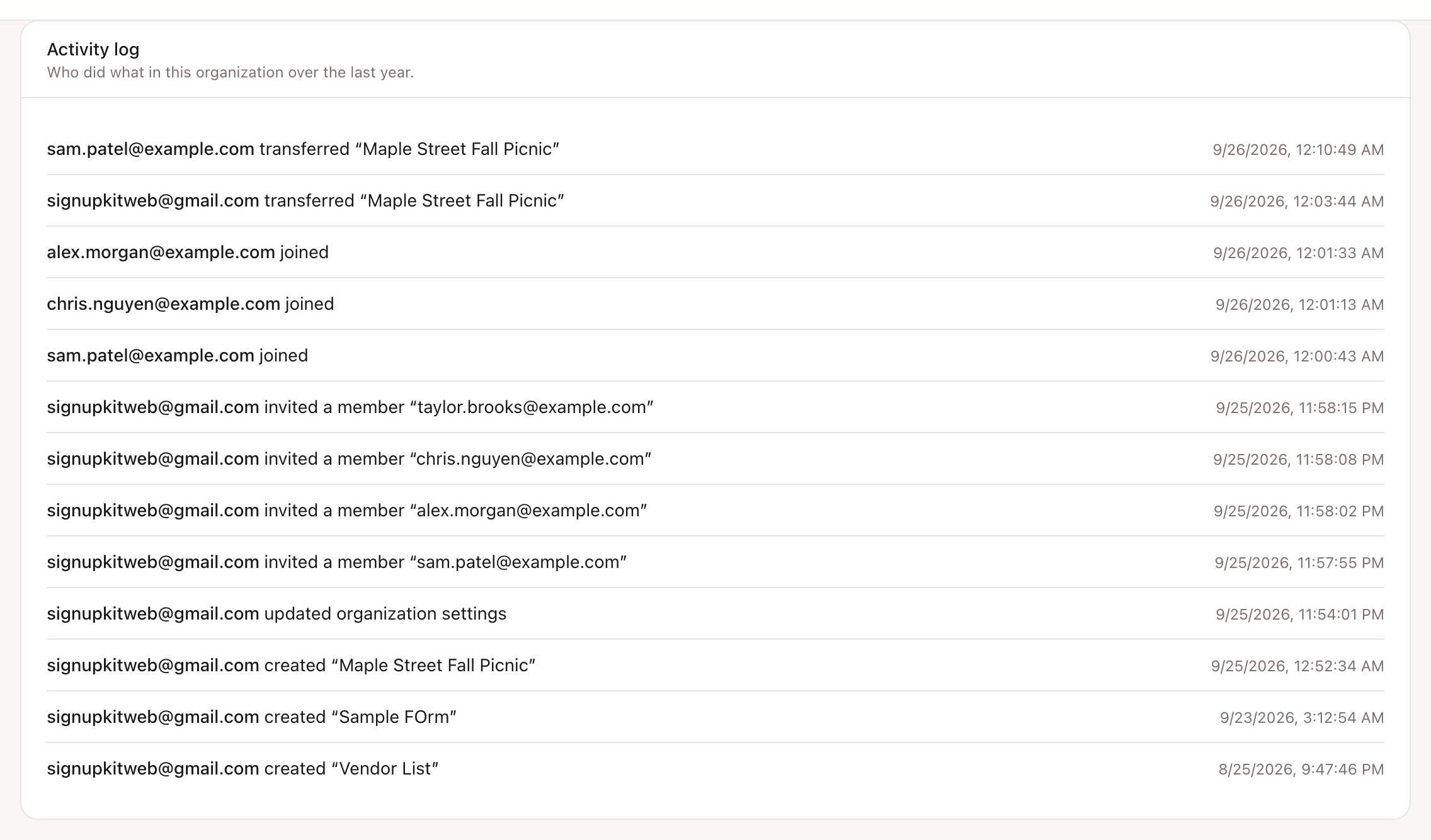
It records:
- Sheets created, deleted, and transferred.
- Invitations sent, people joining, role changes, and removals.
- Exports of the organization’s sign-ups, and contact imports.
- Changes to the organization name, branding, and seat tier.
Only organization work is logged. Personal sheets are not.