
Messages
A message is an email you write and send yourself. It is not the automatic confirmation, and it is not the reminder that goes out a set number of days before the event. Use it when the news does not fit a schedule: a room change, a weather call, a thank-you.
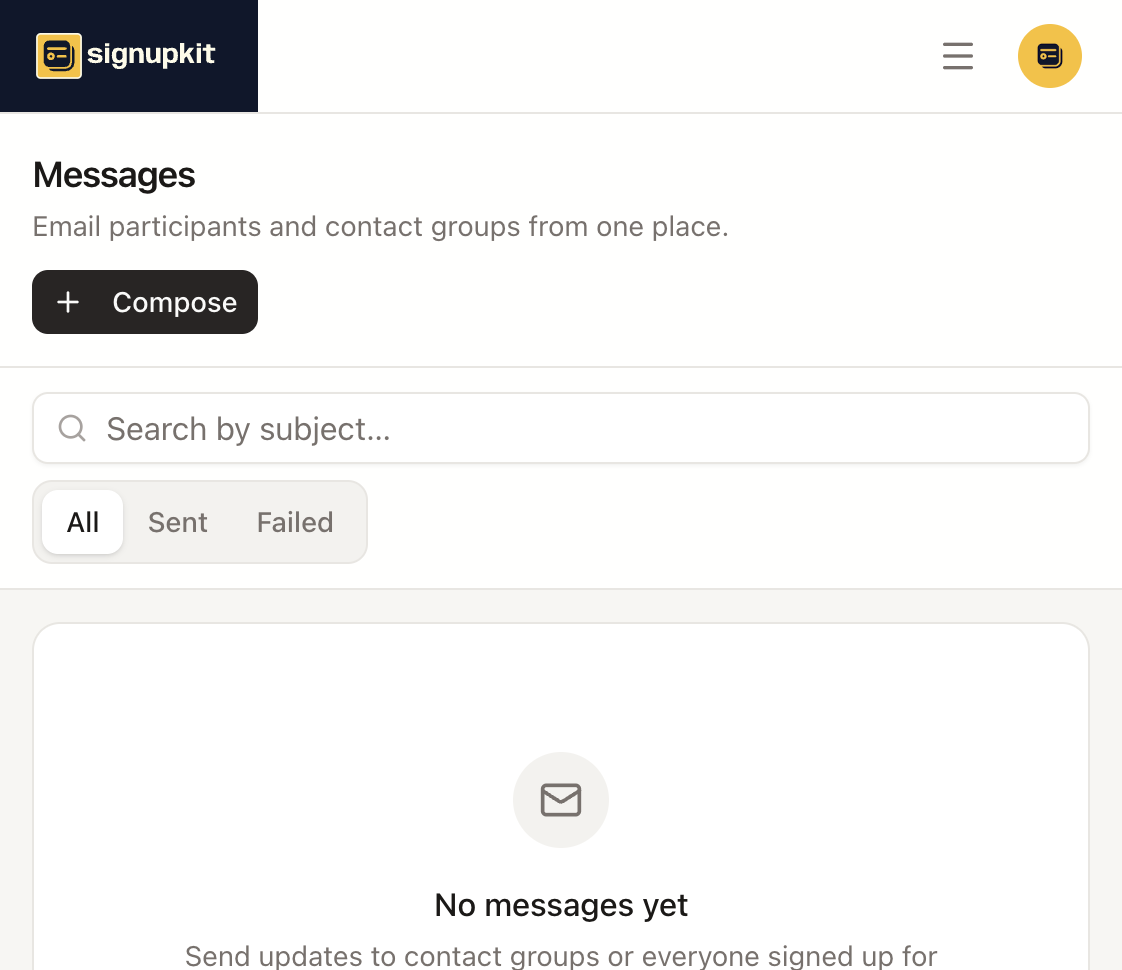
When to send one
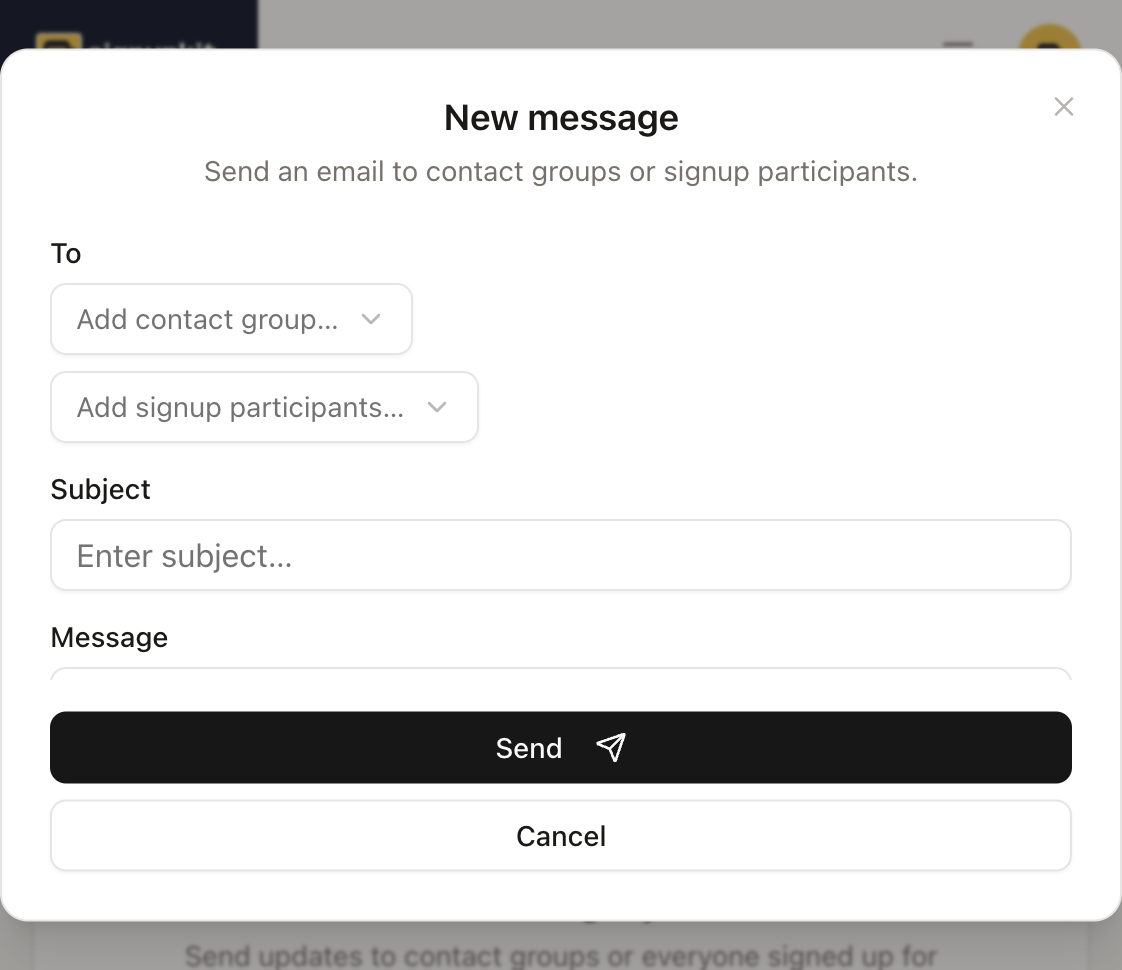
- Everyone who already claimed a spot needs the same update. Choose that signup under Add signup participants.
- A saved list needs the announcement, whether or not they have signed up yet. Choose the contact group.
- You want the same note to go out automatically before the date. That is a reminder, not a message. Reminders are included on the free plan, up to 50 a month. Messages you compose are paid.
How to send it
Click Compose. Under To, add one or more contact groups, one or more signups, or both. Write a subject and the message. You can attach a file from Documents. Send asks you to confirm before the email goes out. Cancel throws the draft away.
Sent messages stay in the list. A failed send is marked Failed, and you can open it to read what was attempted. On the free plan, opening Compose and reading old messages still works. Sending is refused until the account is on a paid plan.