
Contacts
Contacts are the people you already know: a volunteer list, a classroom, a committee. Groups are how you reuse that list, instead of typing the same emails into every sheet.
When to use a group
- A group you will email again, such as “Room parents” or “Ushers.” Messages sends to a group. Sending that email is paid.
- A bucket for people who sign up. On the sheet, Questions & fields has Save to Contacts. Turn it on, pick a group or create one, and each new signup is added to that group.
- A one-time picnic where you will never write to those people again does not need a group. The roster on the signup is enough.
How to add people
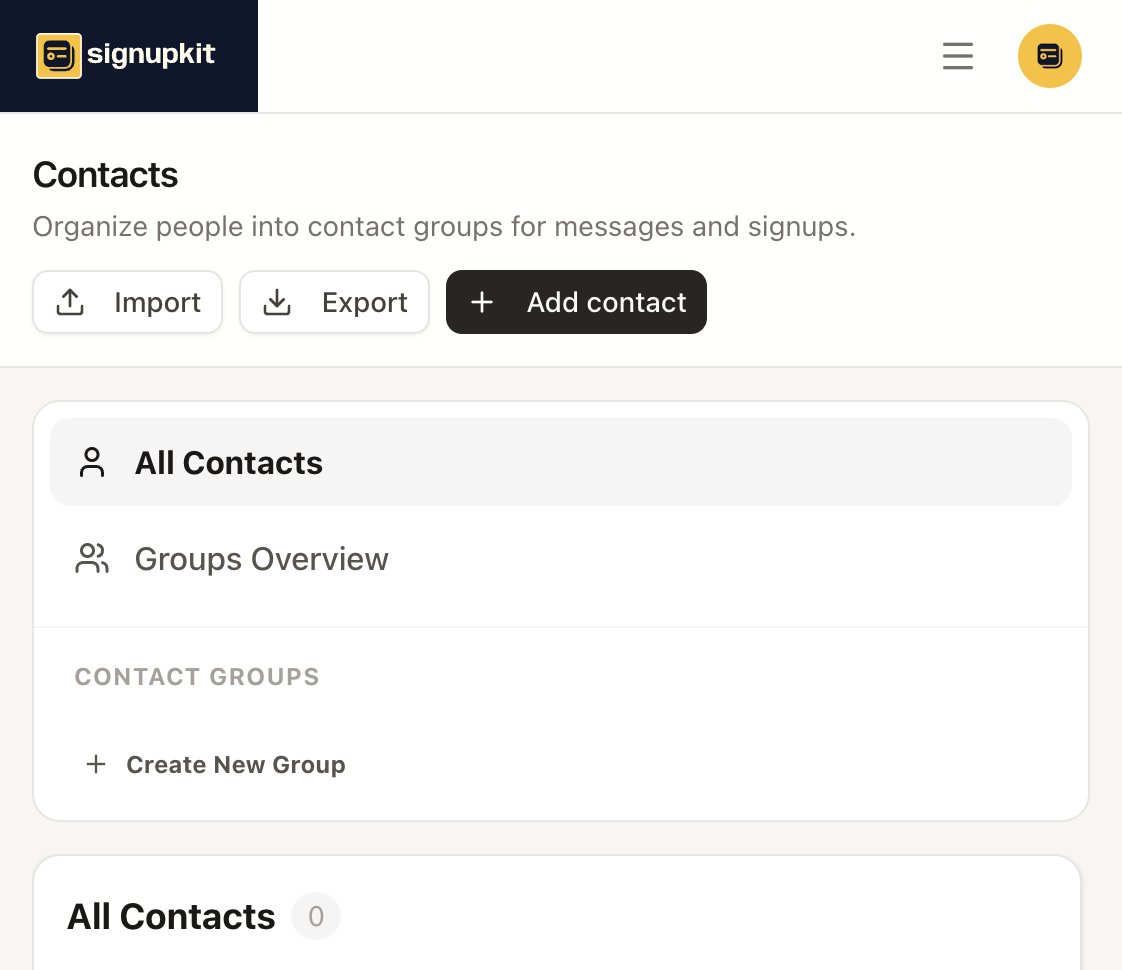
Click Add contact and fill in the name. Email, phone, address, and notes are optional. Email is what a later message needs. Assign the person to a group in that same form, or leave them in All Contacts.
Create New Group asks for a name. The free plan allows 3 groups. Paid plans do not cap the number of groups.
Import reads a CSV. The file needs a header row and at least one data row, and a column named First Name, Last Name, or Name. Email, phone, street, city, state, postal code, country, group, and notes are picked up when those words are in the header. Export downloads the people you are looking at, which is the way to get a backup or to fix a list in a spreadsheet and import it again.